LOCAL WINDOWS WORKSPACES
Your workspace.
Any approved PC.
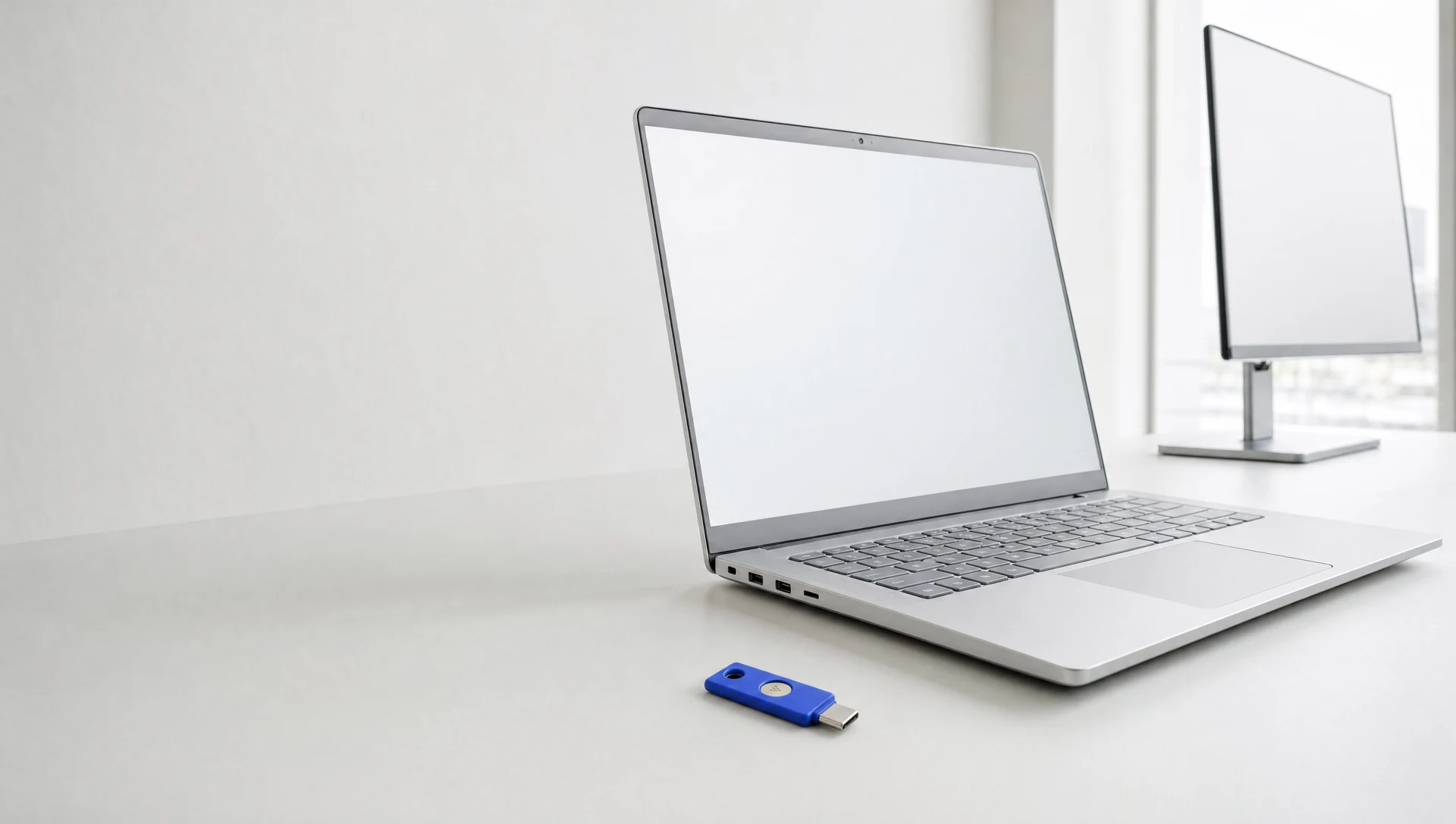
Being built to bring each employee's apps, settings, and cloud-backed files to any approved company PC.
Your company stays in control.
The architecture puts the authority where it belongs.
 CUSTOMER-OPERATED BY DESIGN
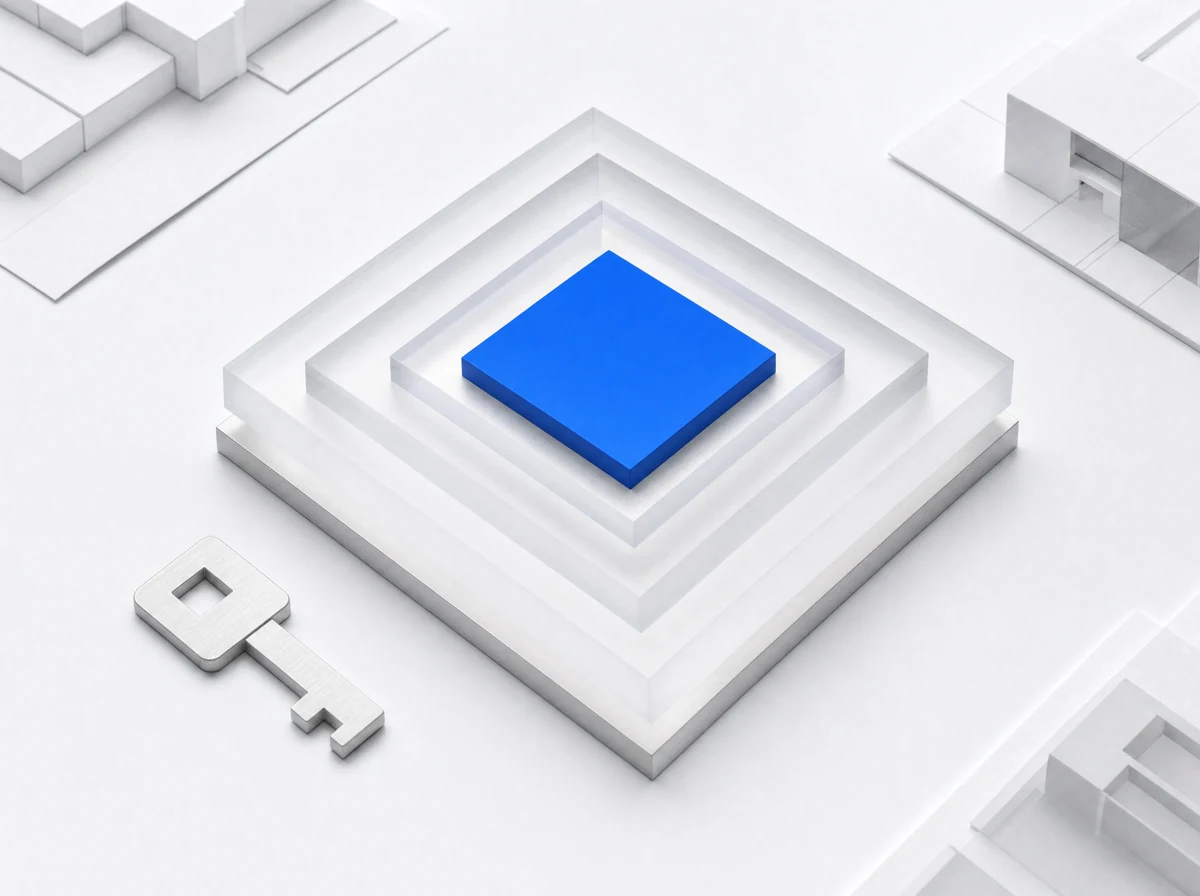
The proposed unlock flow starts with your company account, fresh hardware-key verification, and approval from services in your company-owned cloud.
No fresh authorization means no workspace unlock.A familiar place to begin.
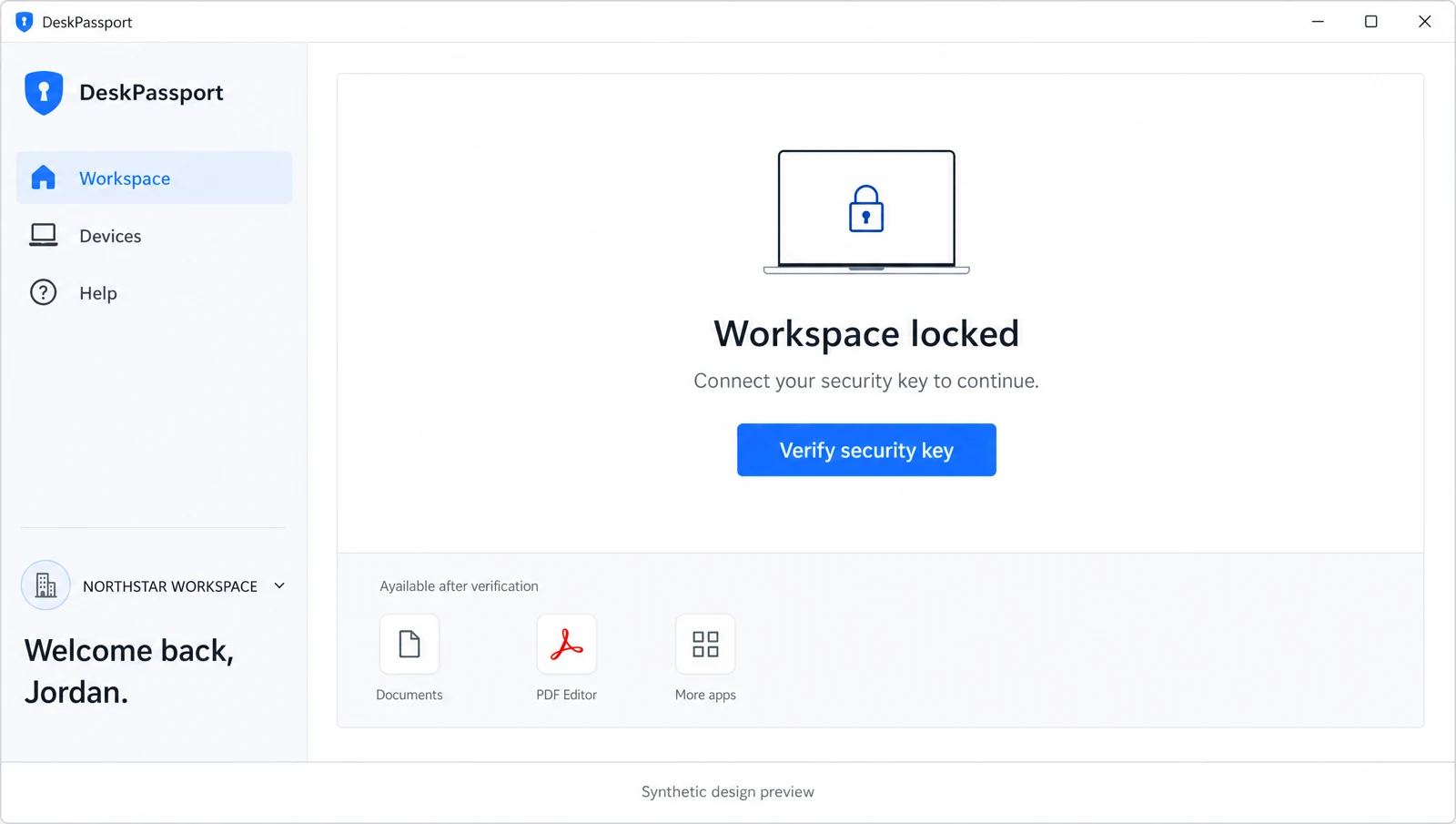
One clear next step. A visible lock state. The details there when you need them.
Built carefully.
Tested honestly.
DeskPassport is in development. Security claims need evidence before company data belongs here.
Engineering prototype.
Not production qualified.
Is DeskPassport ready for production?
Not yet. DeskPassport is a security feasibility prototype. Identity integration, vault isolation, physical security-key flows, and VM stopping still require end-to-end qualification and independent review. This website describes the intended architecture.
Where does the workspace run?
The proposed Windows workspace runs locally in Hyper-V on an approved company PC. Managed services in your company cloud authorize access and synchronize supported files and settings. Each PC has its own local workspace instance.
What happens when the connection is lost?
The design blocks interaction, stops the workspace, and locks its vault when fresh authorization is unavailable. Shutdown timing must be proven on supported hardware. Unsaved application-memory edits cannot be guaranteed to survive.
What belongs to the customer?
Identity, managed cloud services, encrypted storage, keys, logs, and recovery are customer controlled. The public DeskPassport website is separate from the product's operational infrastructure.
Do we need to maintain a server?
The first reference deployment is planned for managed services in your own Azure account: containers, database, and storage. No physical server or cloud VM administration is intended. AWS and Google Cloud support follow later.
How will Outlook and SharePoint fit?
Planned Outlook setup uses the employee's Exchange Online account profile without copying authentication tokens or caches between PCs. SharePoint organization documents are an optional integration. DeskPassport's own encrypted files and settings synchronization stays in your company cloud.
What can I do in the preview?
Explore the selected Light interface using synthetic Northstar and Jordan examples. Every state is a simulation. The preview does not authenticate you, inspect this PC, open a VM, upload a file, or connect to a customer service.